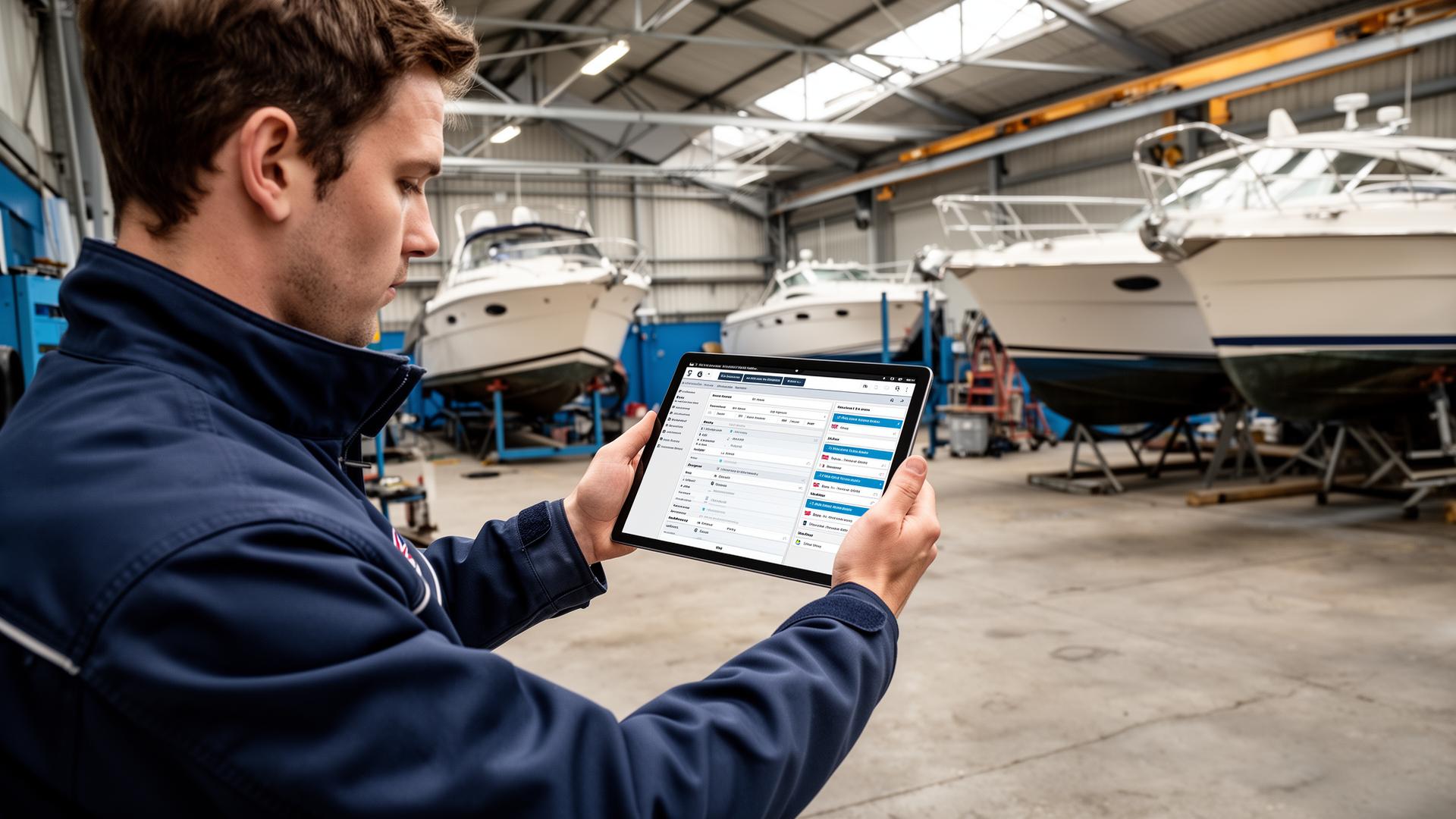
Digital Job Cards for UK Boat Yards
Replacing paper job cards in a UK boat yard: what to capture at the boat, how photos help at invoicing, and what engineers accept.
10 min read By PayCamp Yards TeamThe humble job card has been the backbone of marine workshop operations for decades. Paper cards track work from customer request through to completion and invoicing. But paper has limitations that digital systems overcome.
Every boat yard has experienced the frustrations of paper-based job tracking. Job cards get left on boats, dropped in bilge water, or simply lost in the chaos of a busy workshop. Information written hastily becomes illegible. Time entries are forgotten or estimated rather than recorded accurately.
At invoice time, someone—usually the owner or office manager—spends hours collating cards, deciphering handwriting, and manually entering data into accounting software. Errors are inevitable. Disputes arise when customers question charges that can't be properly evidenced.
Perhaps worst of all, valuable information disappears once jobs are complete. When a customer returns asking about work done last year, finding that historical job card means digging through filing cabinets—if it was even filed correctly in the first place.
Digital job cards solve these problems at their root. Instead of paper that can be lost, information lives in the cloud—backed up automatically, accessible from any device, and searchable in seconds.
When a technician logs time on a digital job card, it's timestamped automatically. Photos are attached with a tap, providing instant visual evidence of work done or issues found. Notes are typed or voice-recorded, ensuring legibility.
Paper gets lost, damaged, or left on a boat. Digital records are backed up automatically and accessible from anywhere.
Managers see job progress instantly. No waiting for technicians to return to the office with paperwork.
Capture before, during, and after photos directly into the job record. Essential evidence for disputes and quality control.
Digital time logging is more accurate than remembered timesheets. Better data for pricing and efficiency analysis.
All time, materials, and approved work is captured. Generate invoices in seconds rather than hours of collating paperwork.
Find any past job instantly. See complete service history for every vessel. Invaluable for warranty queries and returning customers.
Look for boat yard work order software designed specifically for marine workshops, not generic job management tools. Marine-specific systems understand the unique workflows of boat yards: multi-stage jobs, discovered work approvals, seasonal patterns, and the importance of photo documentation. Pair it with boat yard invoicing software that converts completed job cards directly into invoices.
Before going live, import your customer and vessel data. Most systems can import from spreadsheets. This initial setup might take a day but saves enormous time later. Create job templates for your most common work types.
Include technicians in the transition from day one. Show them how digital job cards make their lives easier—no more returning to the office just to update paperwork. Let them practice with a few jobs before full rollout.
For the first week, you might run paper and digital in parallel. This builds confidence and catches any setup issues. But don't extend this phase—it creates double work. Commit to digital quickly.
After a few weeks, review how the system is being used. Are technicians capturing photos consistently? Are time entries accurate? Use the data to identify training needs and process improvements.
"My technicians aren't tech-savvy." Modern systems are designed for simplicity. If they can use WhatsApp, they can use a job card app. Start with the basics and add features gradually.
"We don't have good WiFi in the yard." Quality boat yard software works offline. Changes sync when connectivity returns. This is a solved problem.
"We've always done it this way." The marine industry has embraced technology in navigation, diagnostics, and manufacturing. Workshop management is simply catching up.
The return on investment from digital job cards typically comes from three areas:
Most boat yards see payback within 3-6 months, with ongoing savings thereafter.
Founder & Lead Developer
Fourteen years living aboard, thirty years in IT, and five years supporting dealer management systems in the motor trade — back to configuring FoxPro-based dealer systems in 1998. Hamish has spent a long time on the customer side of a yard office, which is why PayCamp Yards is built for both sides of the counter.
Learn more about our team →See how PayCamp Yards transforms job card management for UK marinas.