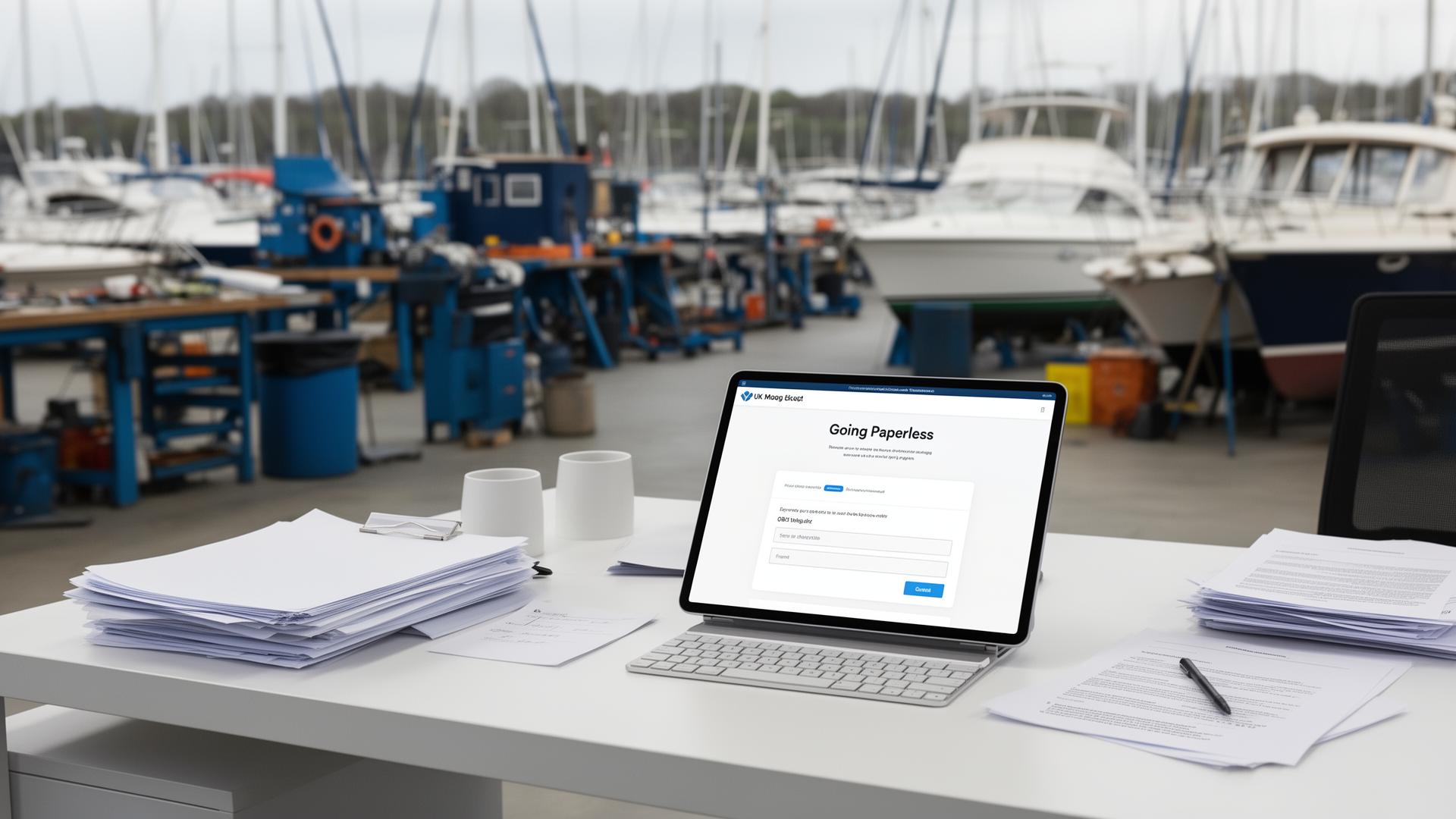
Reducing Paperwork in Boatyards
Where the paper actually piles up in a boat yard — job cards, waivers, timesheets — and which of it can go digital first.
7 min read By PayCamp Yards TeamPaper has served boat yards well for generations, but it comes with hidden costs: time spent creating, filing, searching, and re-creating documents. Going digital isn't just about being modern—it's about reclaiming hours every week.
Paper seems cheap—a few pence per sheet—but the real costs are in the time it consumes:
Add this up across a year and you're looking at hundreds of hours of admin time—time that could be spent on billable work or improving customer service.
Almost every paper document in a boat yard has a digital alternative:
Don't try to digitise everything at once. Start with one process—usually job cards or invoicing—and get that working before expanding. This lets you learn without overwhelming the team.
Choose software designed for marine workshops, not generic tools that need extensive customisation. It should work on tablets and phones so technicians can use it in the yard, not just from the office.
Import your customers, vessels, and price lists. This initial setup takes time but pays off immediately. Most software can import from spreadsheets if you have existing lists.
Include everyone in training—office staff and technicians. Show them how digital makes their lives easier (less paperwork to deal with, easier to find information). Address concerns openly.
Pick a date to start using the new system. Running paper and digital in parallel creates double work—commit to digital and deal with teething problems as they arise.
Once your first process is working smoothly, add the next one. Over a few months, you'll have digitised most paper processes.
Change is hard. You may encounter resistance from:
Reducing paper usage is also an environmental benefit. This matters increasingly to customers, especially in the marine industry where environmental awareness is high. Promoting your paperless approach can be a selling point.
Founder & Lead Developer
Fourteen years living aboard, thirty years in IT, and five years supporting dealer management systems in the motor trade — back to configuring FoxPro-based dealer systems in 1998. Hamish has spent a long time on the customer side of a yard office, which is why PayCamp Yards is built for both sides of the counter.
Learn more about our team →Digital job cards, invoices, and approvals. Start your free trial today.