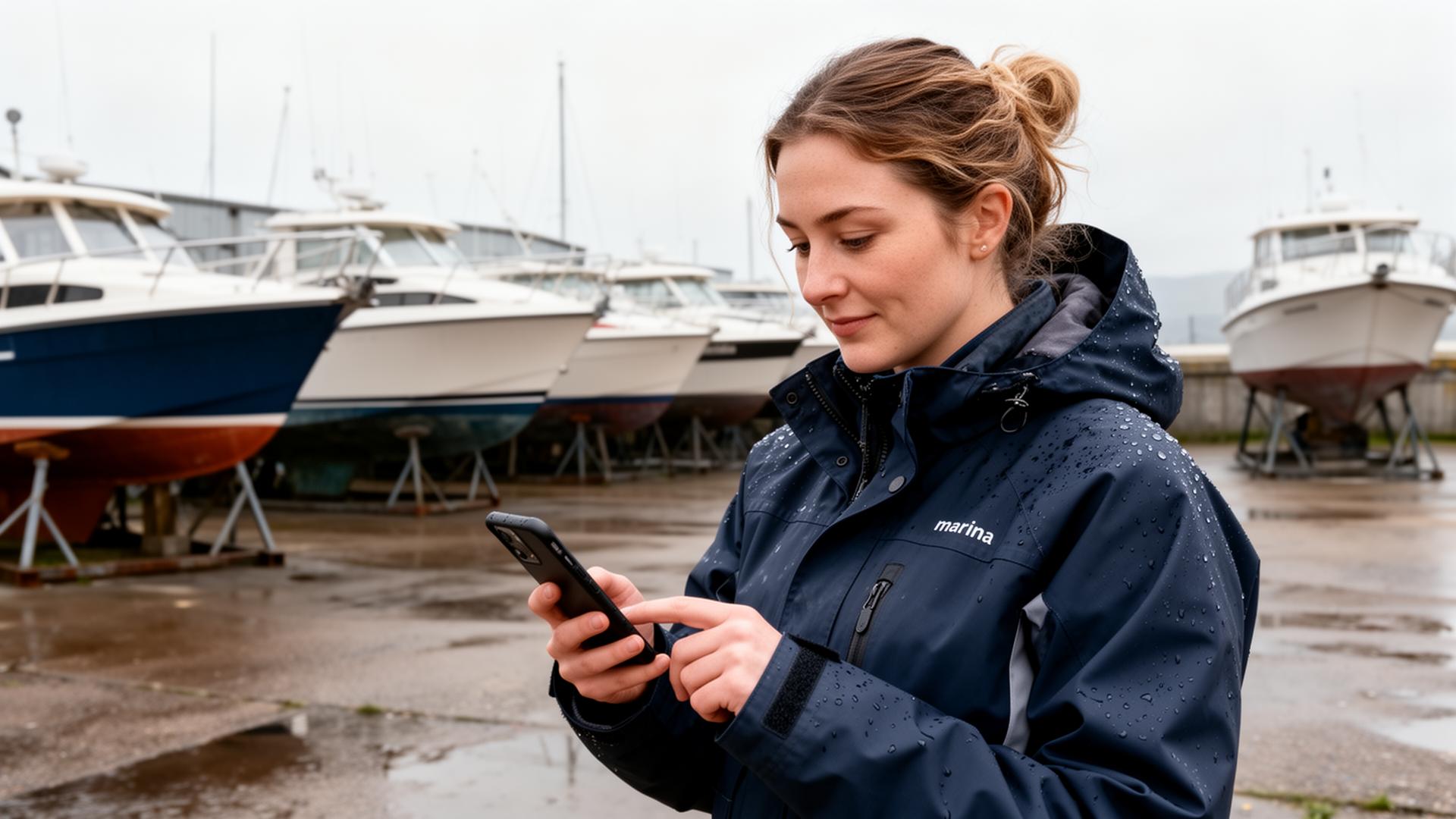
Mobile App for Marina Teams
Your technicians work in the yard, not at a desk. Give them the tools they need, wherever they are.
Mobile Experience
Tap a job card to see tasks and photo capture — just like in the real app.
My Jobs Today
Dave Mitchell — 3 assigned
Full Antifoul & Hull Polish
Sea Breeze
Engine Service
Fair Wind
Standing Rigging Inspection
Celtic Spirit
Why Mobile Matters in a Boat Yard
Your technicians spend their day moving between boats, not sitting at computers. Yet most boat yard software expects everyone to return to the office to log time, update jobs, or check assignments. This creates delays, extra work, and lost information.
PayCamp Yards is built mobile-first. Every feature works on a smartphone, designed for use with cold hands, in bright sunlight, and in areas with patchy signal. Your team can update jobs, capture photos, and log time without putting down their tools.
Photo Documentation Made Easy
Photos are invaluable in marine work—documenting damage, capturing before and after shots, recording serial numbers, and providing evidence for insurance claims. Our mobile app makes capturing photos easily.
Tap to take a photo, and it automatically attaches to the current job with date, time, and GPS location. Add a note describing what you're showing. Mark photos as "before" or "after" for easy organisation. All photos sync to the cloud and are accessible from any device.
Built for Patchy Signal
Boat yards aren't known for great Wi-Fi. You might be at the far end of the yard, in an engine compartment or out on a mooring.
PayCamp Yards needs a connection to save changes. If your signal drops, a banner tells you straight away, so you never think a job was updated when it wasn't.
Designed for Real Work
We've designed the interface for actual working conditions. Large buttons work with gloves on. High-contrast text is readable in bright sunlight. Simple navigation means less time looking at screens and more time working.
There's no app to install—PayCamp Yards works in any modern web browser. Add it to your home screen for instant access. It works on any smartphone or tablet, so your team can use their own devices or ones you provide.
How Mobile Access Transforms Boat Yard Productivity
Nobody has measured how long a UK boat yard technician spends walking back to the office to check assignments, log time or ask about a job — so we are not going to invent a figure. Time it across your own team for a week; whatever it comes to is time that is not billable. With a mobile-first boat yard management app, that time goes back into billable work.
Consider a typical antifouling job: the technician arrives at the boat, checks the work order on their phone, takes "before" photos, completes the work while logging time with a tap, takes "after" photos, and marks the job complete — all without visiting the office once. The office sees the update in real-time, and the invoice can be generated immediately from the captured data.
Security and Data Protection
All data transmitted between mobile devices and the cloud is encrypted using TLS 1.3. Photos and job data are stored securely in UK/EU cloud infrastructure, fully GDPR compliant. If a device is lost or stolen, no data is stored locally — simply log out remotely and the device loses access. Individual user permissions mean technicians only see jobs assigned to them, while managers have full visibility.
Getting Your Team Started
Adoption is the biggest challenge with any new tool. PayCamp Yards is designed to minimise the learning curve: there's nothing to install, no app store downloads, and no complex setup. Your team opens a web link, logs in, and starts working. Most technicians are comfortable within their first shift. For yards transitioning from paper, we provide onboarding support to ensure a smooth handover — get in touch to discuss your setup.
Mobile Features
Photo Capture
Take before, during, and after photos directly in the app. They attach automatically to the work order.
Time Tracking
Log time on jobs with a tap. Start and stop timers, or add time entries manually later.
Team Assignment
See your assigned jobs for the day. Accept new assignments and update job status on the go.
Signal Warnings
Yard signal is patchy. If your connection drops, a banner tells you straight away, so you never think a job was saved when it wasn't.
Checklists
Work through job checklists on your device. Mark tasks complete as you go.
Notifications
Get notified of new job assignments, customer approvals, and urgent updates.
Parts & Materials
Log parts and materials used on each job. Request items from stock or flag purchasing needs.
Any Device
Works on any smartphone or tablet. iOS, Android, or any modern browser.
Frequently Asked Questions
Related Pages
Related Articles
Cloud-Based Boat Yard Software
Why cloud software is essential for modern boat yards and how it enables mobile working.
Read moreDigital Transformation in UK Boat Yards
How UK boat yards are modernising operations with mobile-first tools.
Read moreReducing Paperwork in Boat Yards
Eliminate paper processes with mobile capture, digital signatures, and instant updates.
Read moreReady to Mobilise Your Team?
See how mobile access can boost productivity across your yard.